Guides
How to Track Live Stream Ad Results With UTM Links and QR Scans
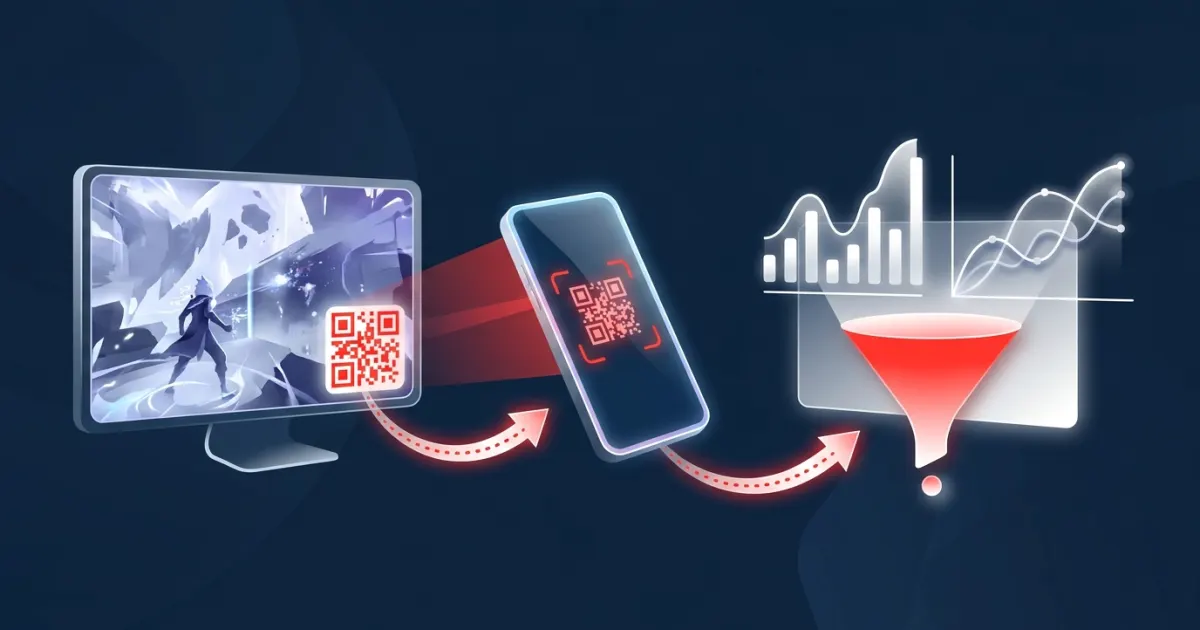
Measure live stream ads with UTM-tagged links, QR scan counts and GA4: naming conventions, landing pages, attribution limits and a simple re...
AD on Live puts a scannable QR banner on your OBS overlay. Brands book a slot from your page and pay with PayPal — and they're charged only after you approve the ad.


Streamers add a single browser source. Advertisers book from the streamer's page — no account, no agency, no minimum budget.
Pick a channel name, set your price per minute and banner size.
Paste your overlay URL into OBS. When no ad runs it shows a QR code to your booking page.
Approve the ads you like while you're live; your share is paid every week via PayPal.
Scan the QR code on stream, use a creator's link or browse channels.
Choose 1–60 minutes, crop your image to the streamer's size and add your link.
PayPal holds the amount; it's captured when the streamer approves, released if not.
Every rule in the product exists so both sides can say yes quickly.
Nothing reaches your stream until you say so. Reject anything off-brand in one click.
PayPal authorizes the amount at checkout and captures it on approval. Rejected or unanswered requests are voided.
No plugin or download. Works in OBS Studio, Streamlabs Desktop and other software with browser sources.
Every scan goes through a short tracking link, and advertisers get a click summary when the slot ends.
Set the price per minute and the banner's pixel size. Change them whenever you like.
Keep 80% of every ad — 90% as a founding partner in your first year.
A stream overlay ad is a sponsor graphic that the streamer's broadcasting software layers into the video itself — like the webcam frame or chat box. Because it's part of the picture, everyone watching sees it on any device, and it stays in VODs and clips the streamer keeps.
AD on Live turns that overlay into a self-serve sponsor slot: a banner with a QR code that viewers can scan with their phone, booked by the minute at a price the streamer sets, and shown only after the streamer approves it.
| Platform video ads | Classic sponsorship | AD on Live slot | |
|---|---|---|---|
| Who sells it | The platform | The creator, by negotiation | The creator, self-serve |
| Price model | Auction / CPM | Flat fee per deal | Price per minute |
| Minimum | Set by the ad platform | Usually a package | One minute |
| Creator approval | No | Yes | Yes, every ad |
| Time to launch | Campaign setup | Days to weeks | Minutes |
Optional app for Windows and macOS, from the Microsoft Store and the Mac App Store: desktop notifications for new ad requests and a transparent overlay window for display or window capture. The OBS browser source needs no install.
No monthly fees. The first 100 streamers are founding partners and pay a 10% fee for their first year.
Measure live stream ads with UTM-tagged links, QR scan counts and GA4: naming conventions, landing pages, attribution limits and a simple re...
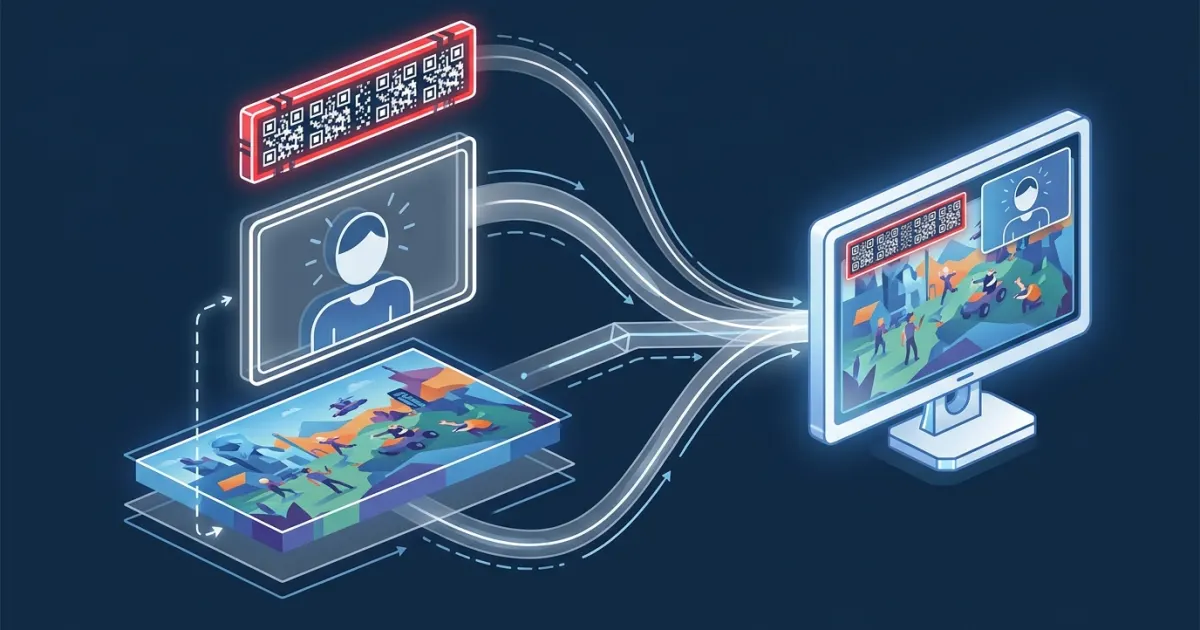
Stream overlay ads are sponsor graphics placed inside a live broadcast. Learn the main types, how they differ from pre-roll and mid-roll ads...
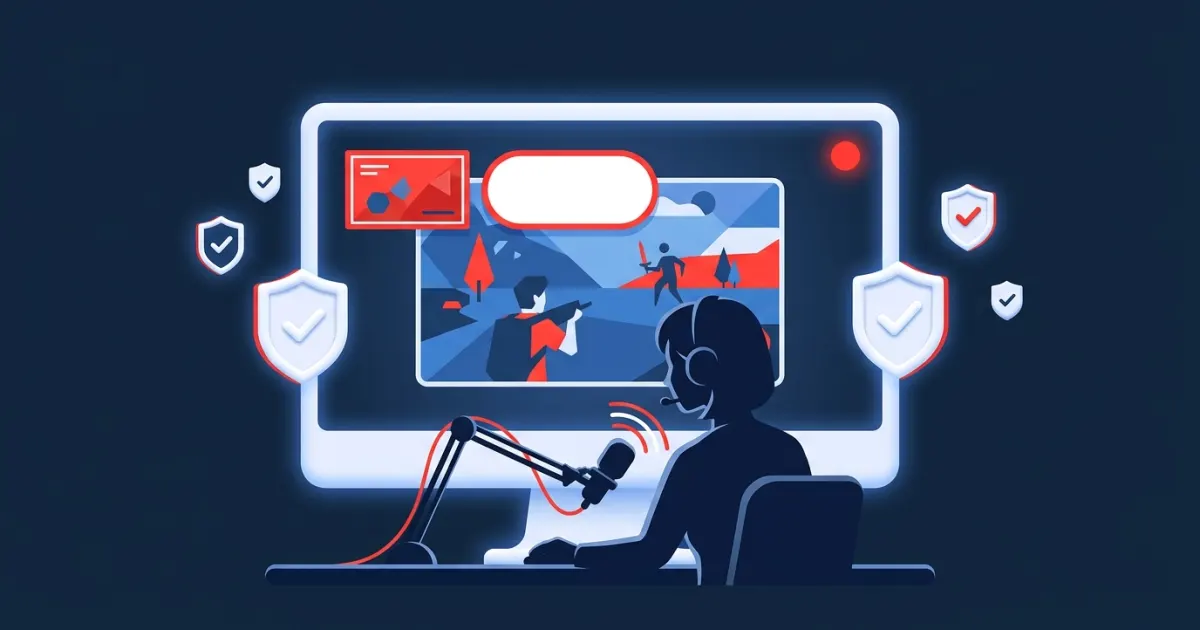
How to disclose sponsored content on a live stream: what the FTC expects, Twitch's Branded Content tool, YouTube's paid promotion setting an...
AD on Live is a marketplace for pay-per-minute banner ads on live streams. Streamers add one overlay to their broadcast; advertisers book a time slot from the streamer's booking page and pay with PayPal. The banner appears on the stream with a QR code viewers can scan, and the advertiser is charged only after the streamer approves the ad.
It works with any broadcasting software that supports a browser source, such as OBS Studio or Streamlabs Desktop, so the banner becomes part of the video you send out. Each platform sets its own rules on sponsorships and third-party advertising — for example, Twitch's Terms of Service do not allow third-party ad networks to serve ads, and YouTube restricts embedded ads in formats it sells itself. Check the rules of the platform you stream on, treat every slot as a sponsorship you chose and disclose, and reject anything that does not fit.
At checkout PayPal only authorizes (holds) the amount. The payment is captured when the streamer approves the ad. If the streamer rejects it, or does not approve it within 3 days, the authorization is voided and you are not charged.
You keep 80% of every ad you run; the platform fee is 20%. Founding partners — the first 100 streamers — pay 10% during their first year, so they keep 90%.
Yes. Every ad waits for your approval unless you turn on auto-approve. When you reject an ad, the advertiser's PayPal authorization is voided, so they are not charged.